Everything your cookbook can do.
Save recipes from anywhere, find them again, cook without the clutter, plan the week around what you already love, and shop for it from one list.
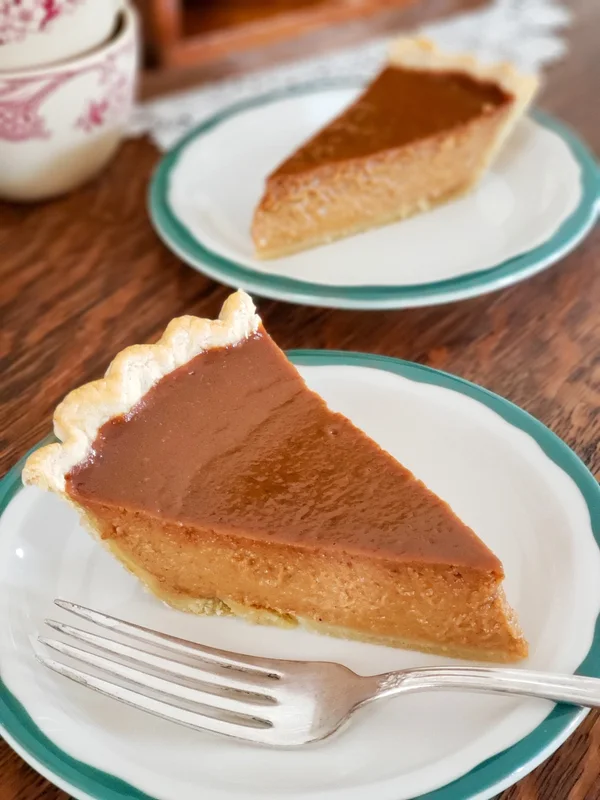

Save recipes from anywhere
Paste a recipe link and get back a clean recipe, with its source kept.
- Clip recipes straight from Chrome with the Recipe Clipper
- Bring your recipes over from Paprika, Plan to Eat, Mela, and other apps, using the file each app exports
- Ask ChatGPT or Claude to save a recipe from your conversation
- Photograph a recipe card or cookbook page and let Chef AI transcribe it (Mostly+)
- Add your own recipes by hand
- Upload your own cover photo for any recipe (Mostly+)
- Paste recipe text or a social post and let Chef AI structure it (Mostly+)
- On Android, share a page to Mostly Recipes once the app is installed
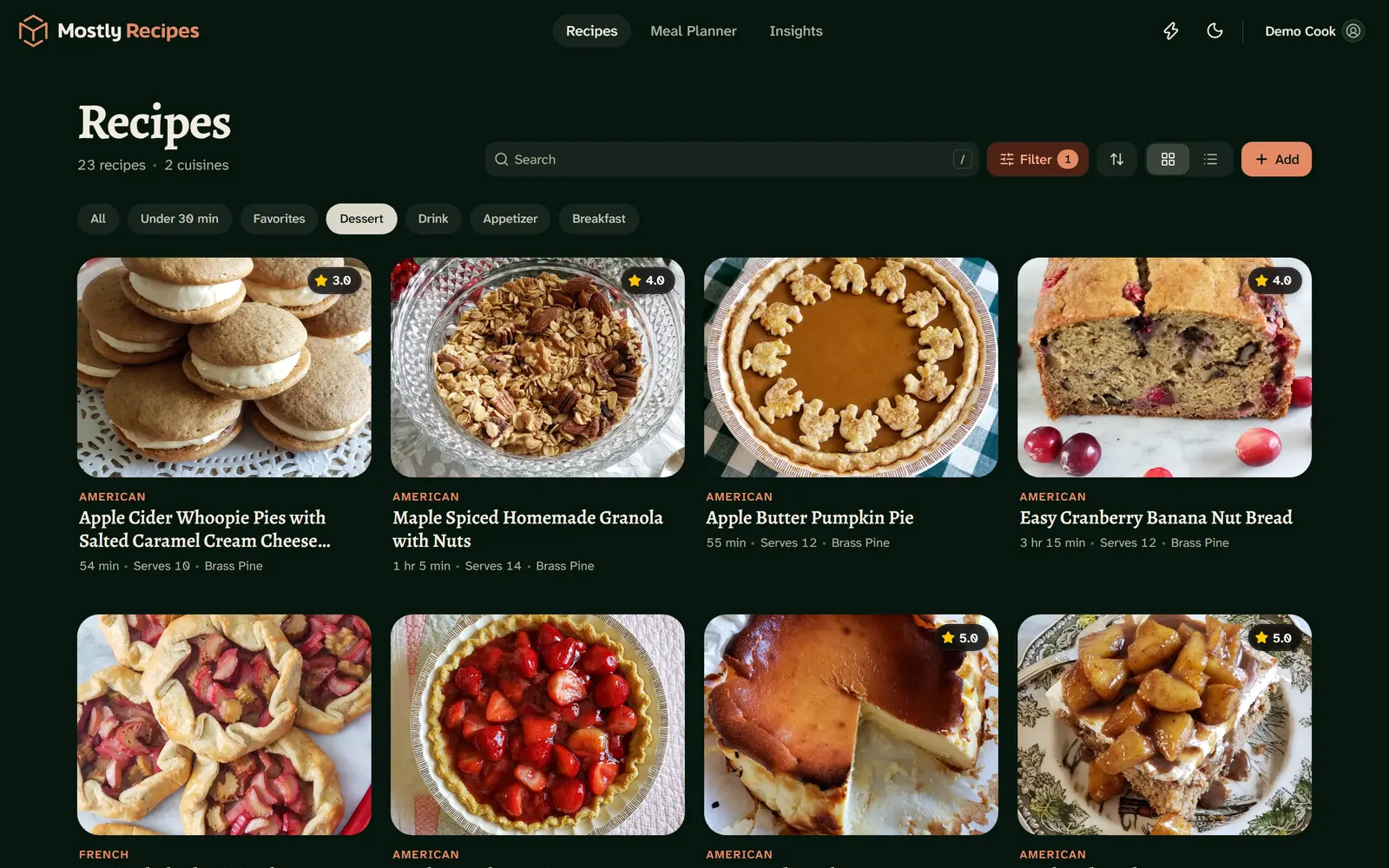
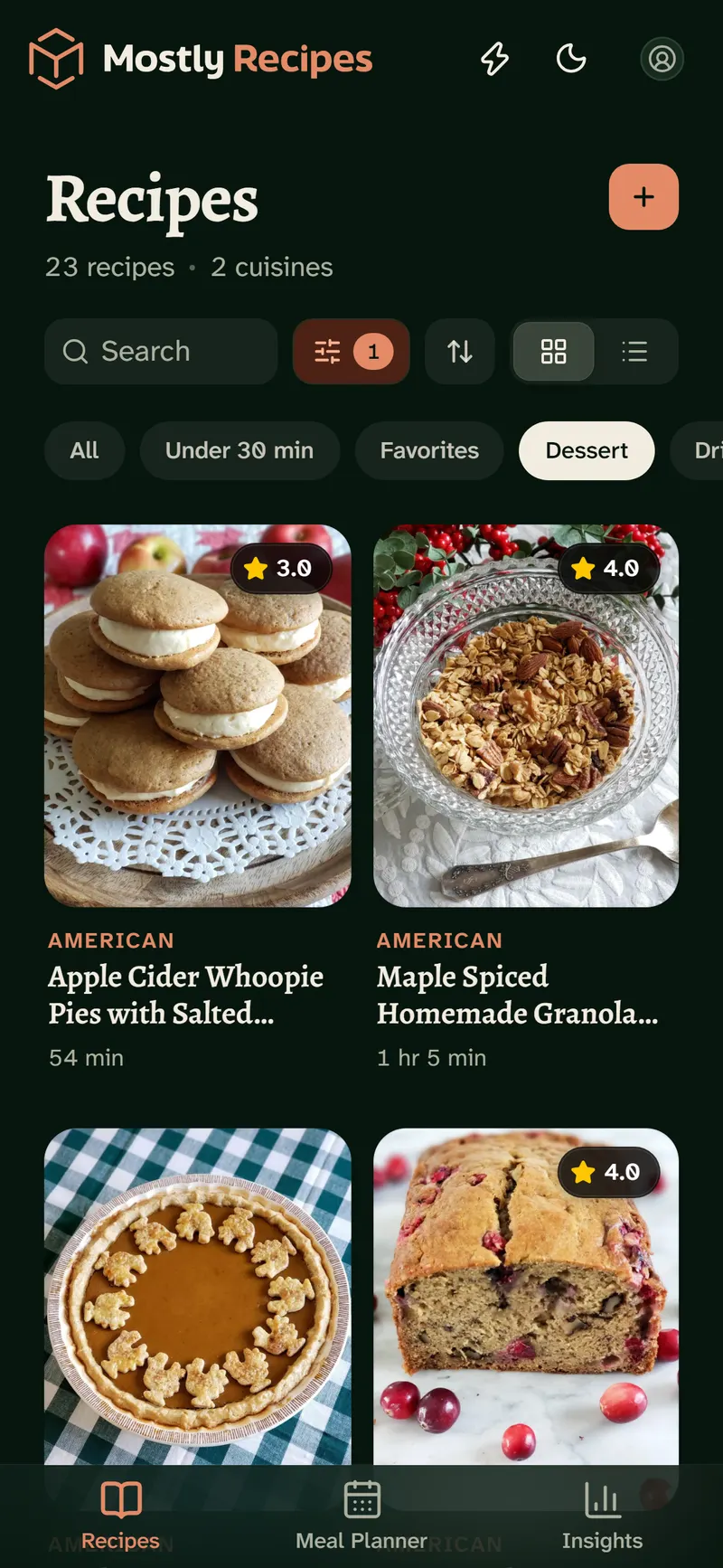
Find dinner again
Everything you save lives in one collection instead of scattered across bookmarks, tabs, and screenshots.
- Search your recipes by name
- Filter by cuisine, category, keyword, author, or rating
- Tidy Up lists recipes missing a photo, times, servings, or nutrition
- Rename, merge, or delete tags, with suggestions for ones that look alike
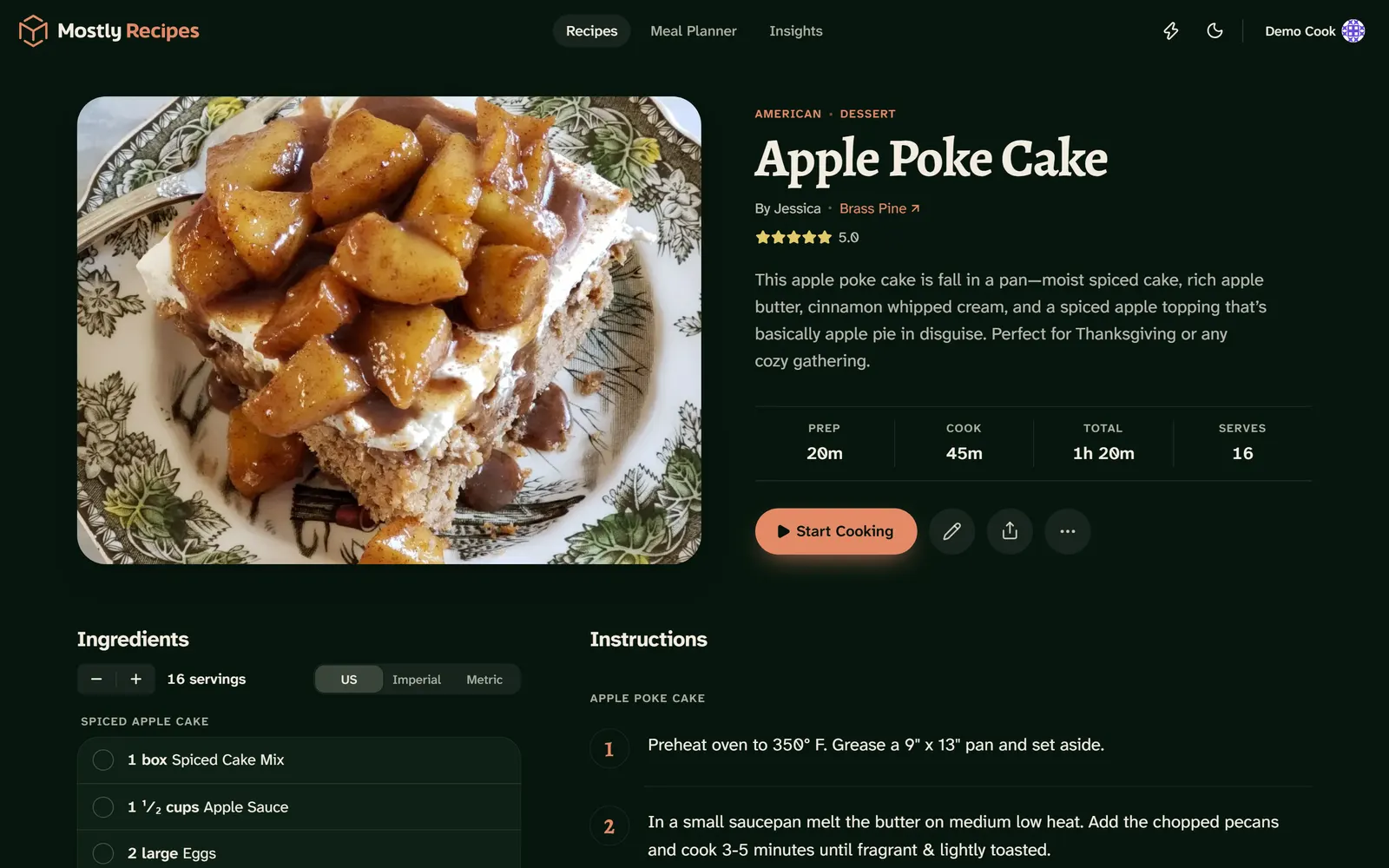
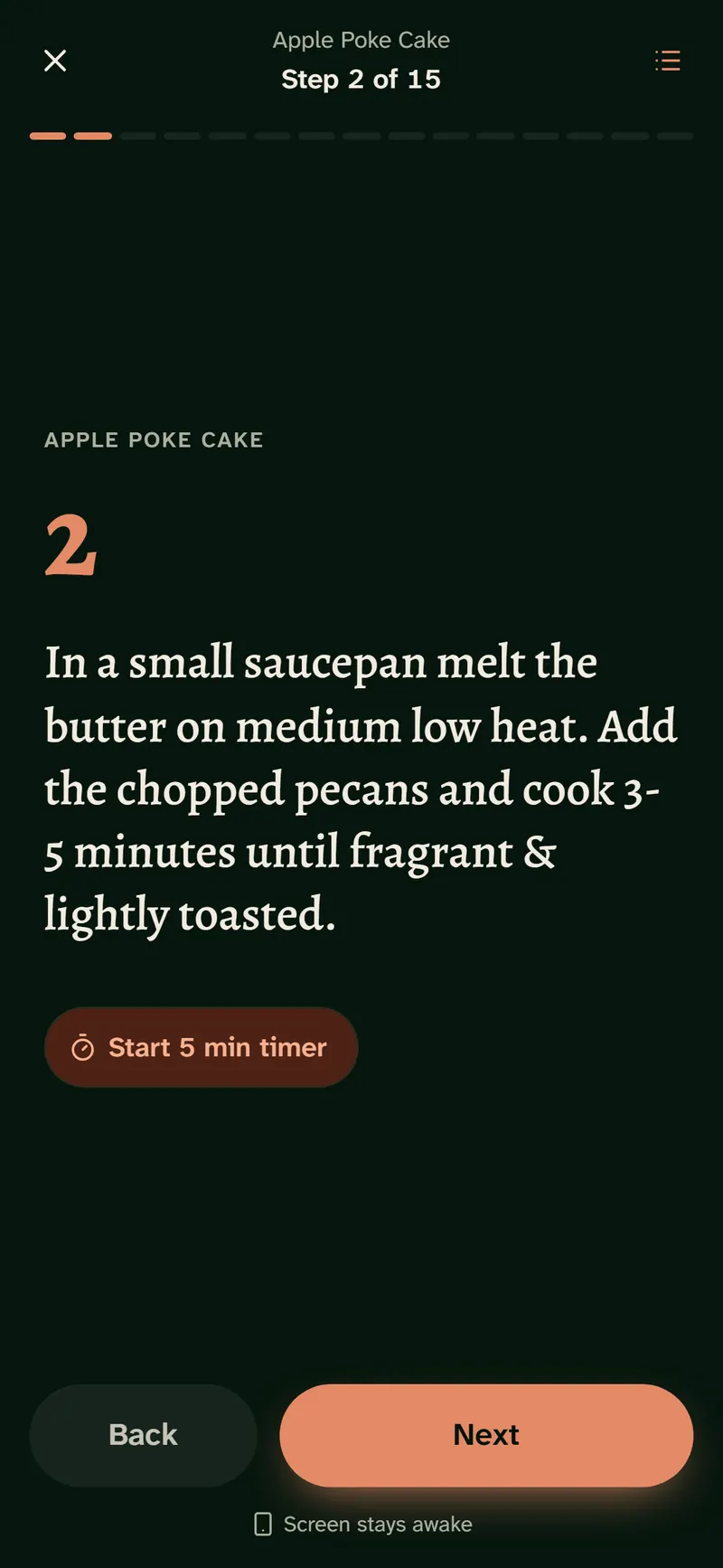
Cook without clutter
Recipes open to the ingredients and steps, without the page around them.
- Cook Mode walks through the steps, with timers where a step calls for one
- Scale servings and switch between US, imperial, and metric units
- Check off ingredients and steps as you go
- Estimate nutrition from the ingredients, even offline
- Print a clean copy
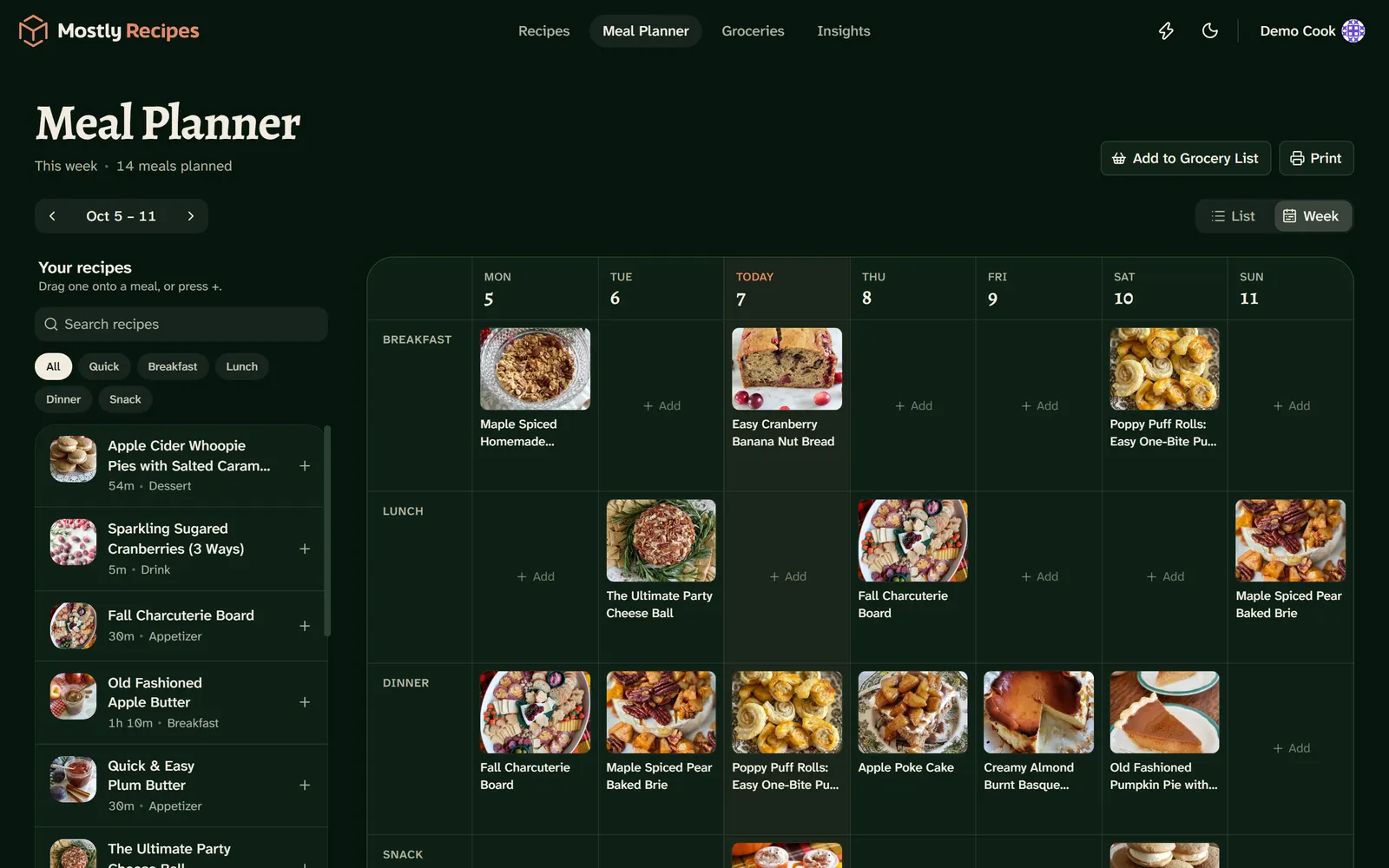
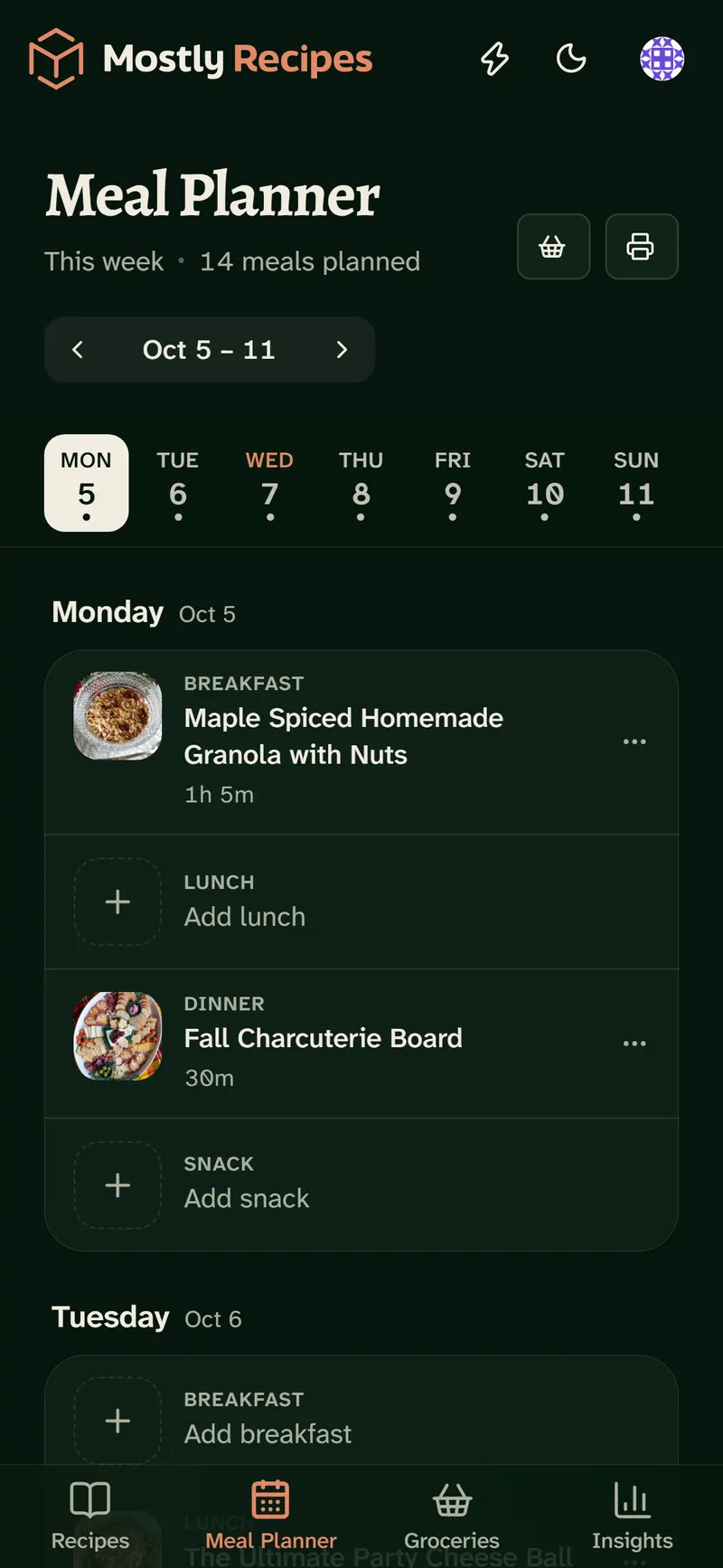
Plan the week
Build the week’s meals from recipes you’ve already saved.
- Tap a meal to pick a recipe for it, or drag one onto the week
- See the whole week as a list on your phone, or as a board on a bigger screen
- Add the week’s meals to your Grocery List in one step
- Print the week for the fridge
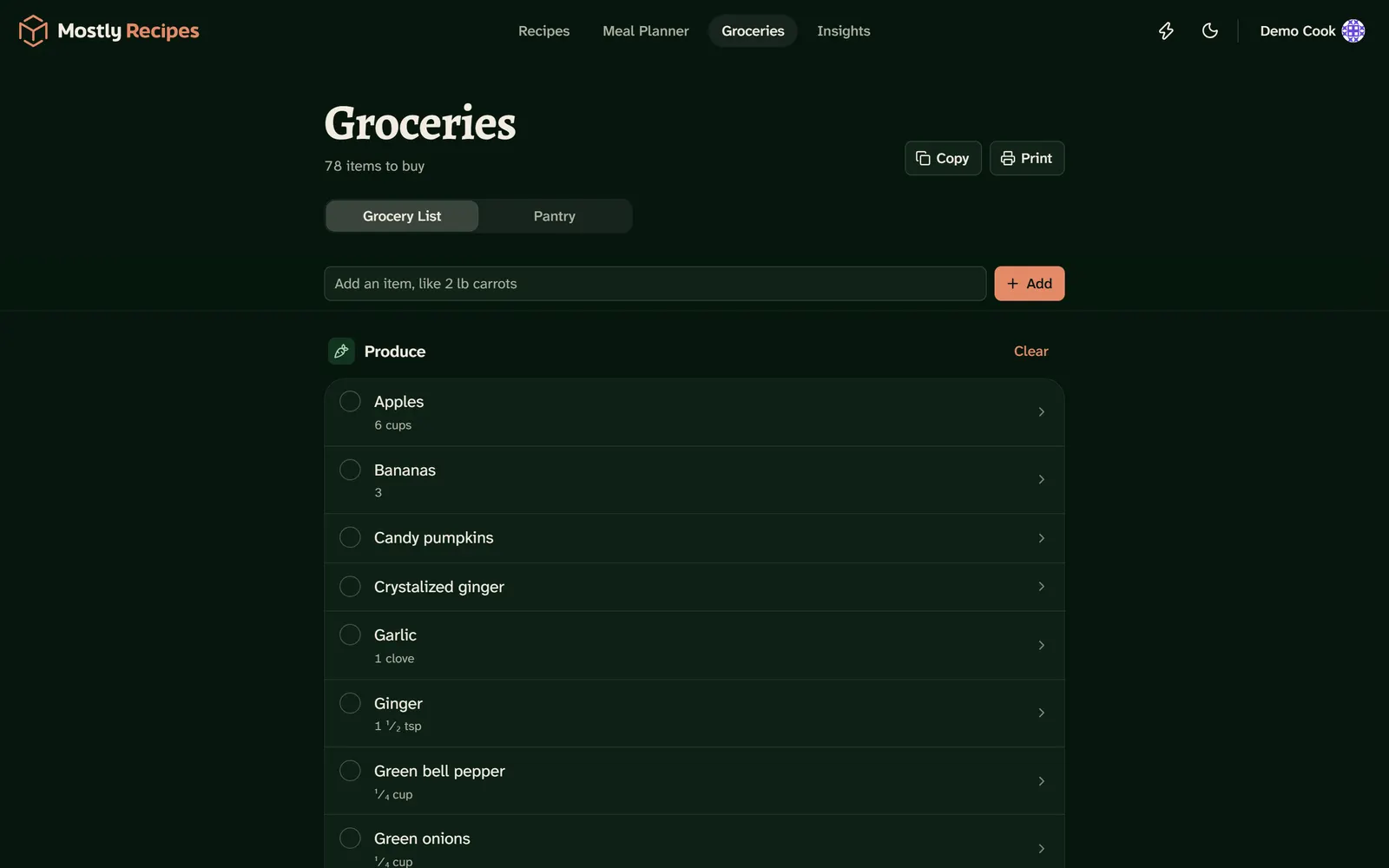
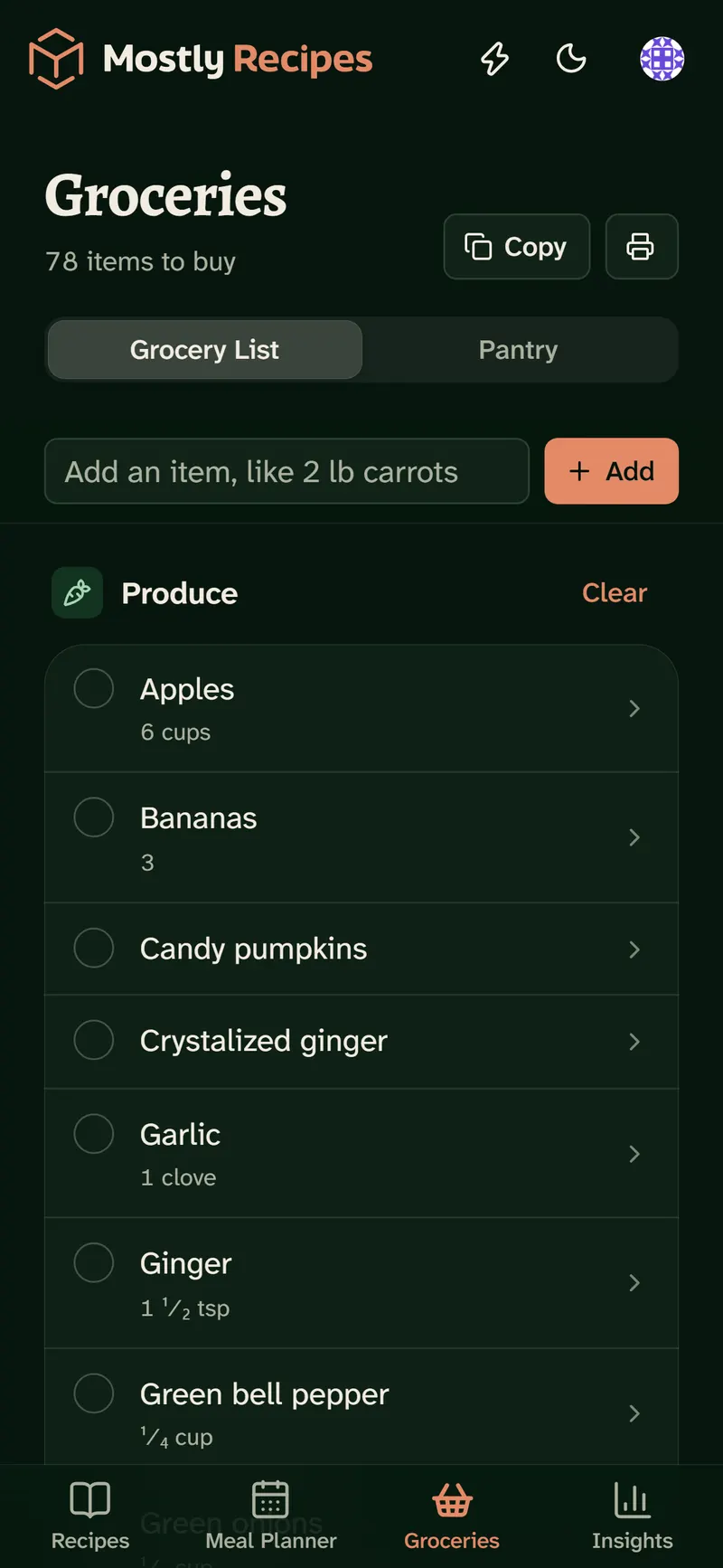
Shop for what you’ll cook
Add a recipe, or the whole week, to one Grocery List organized by aisle.
- The same food from different recipes is one item, with the amounts added up
- Foods in your Pantry start unselected, so you don’t buy what you already have
- Type or paste your own items, and check them off as you shop
- Share or print the list for the store
Explore your recipe collection
Insights turns your collection into a picture of how you cook.
- Your top cuisines, categories, and sources
- How long your recipes take to make
- Your ratings and most-used keywords
Your recipes, your device.
Mostly Recipes is free to use. Mostly+ adds sync across your devices, room for more recipes, and Chef AI.
Compare plans- On your device first
Recipes are stored on the device you’re using, so they open instantly.
- Works offline
Saved recipes open without a connection, wherever you cook.
- Backed up daily
Turn on a free daily backup of each device, or download a backup file anytime.
- No ads or tracking
Nothing to scroll past, and nothing selling your dinner plans.